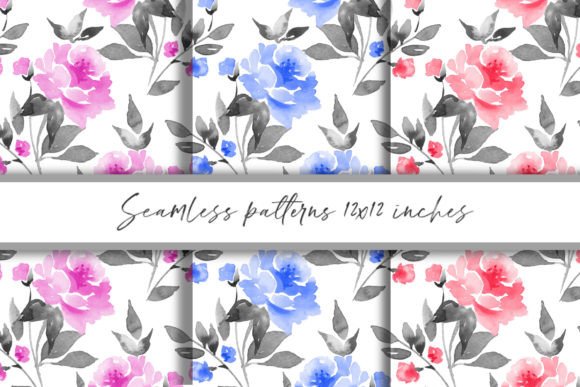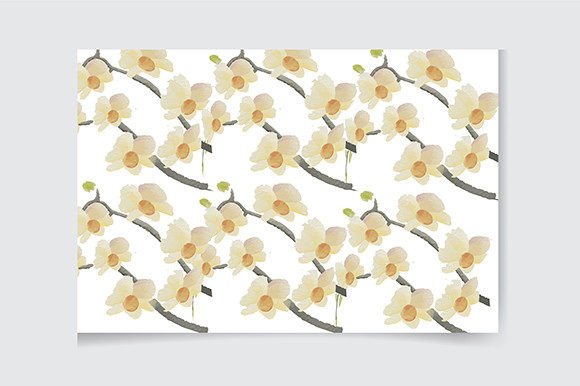
Watercolor Spring Patterns
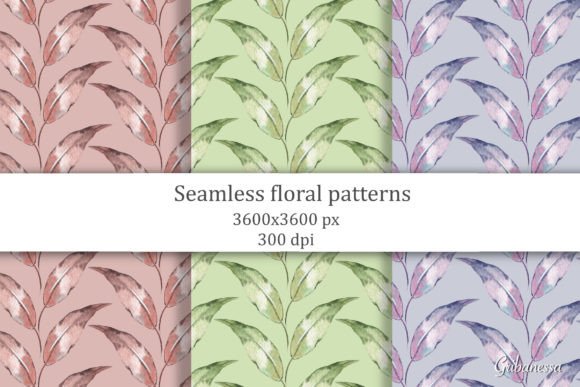
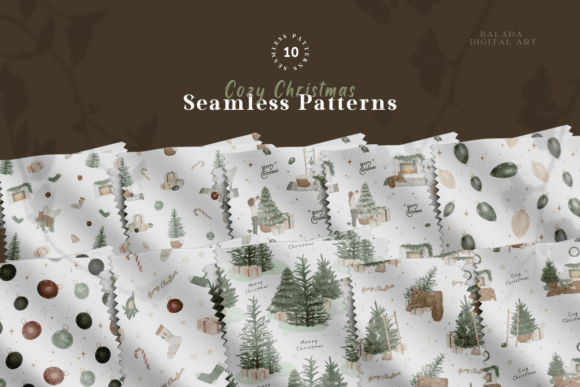
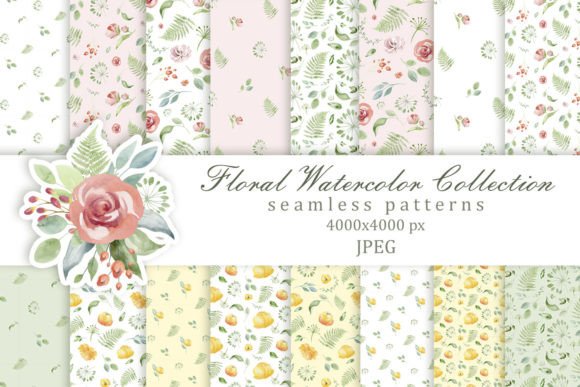
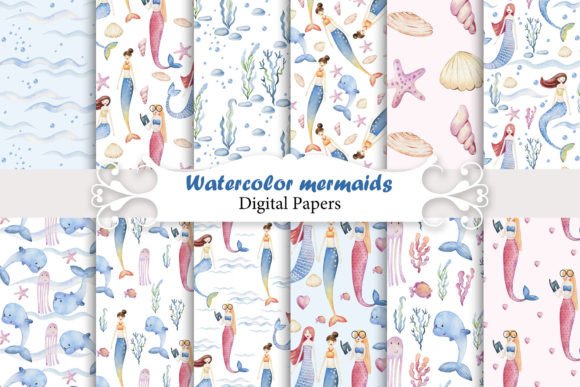
Spring arrives not with a single note—but with layers: soft petals, blurred edges, gentle gradients, and the quiet energy of renewal. Watercolor Spring Patterns capture that feeling in editable, ready-to-use vector form. Designed for real work—not just decoration—they’re built to support clarity, consistency, and creative control without demanding advanced design skills.
What Makes These Patterns Stand Out
Unlike static PNGs or overly complex brushes, these patterns are native Adobe Illustrator CC files—fully scalable, infinitely editable, and rooted in thoughtful color and composition. Each pattern balances spontaneity and structure: translucent washes sit alongside subtle granulation, soft blooms overlap with intentional negative space, and organic shapes avoid repetition fatigue. The result? A collection that feels handmade but performs like professional-grade assets.
The “easy to use” promise isn’t marketing speak—it’s baked into the file architecture. Text elements are grouped logically, layered transparently, and labeled clearly. All typography uses only free, widely available fonts (like Inter, Poppins, and Source Sans Pro), so you won’t hit missing-font warnings or licensing roadblocks. Colors are organized in swatch libraries—no hunting through layers to adjust a hue.
Creative Possibilities—Beyond the Obvious
These aren’t just for greeting cards or social media banners. Think of them as visual infrastructure:
- Brand identity systems: Use a floral wash as a subtle background for email headers, then isolate a single blossom motif to become a custom bullet point or icon in your style guide.
- Educational materials: Teachers and course creators apply light watercolor textures to worksheet borders or slide backgrounds—adding warmth without visual noise. A muted green-and-cream pattern keeps focus on content while reinforcing seasonal themes in nature units or wellness curricula.
- Digital products: App onboarding screens, printable planners, or Notion templates gain tactile appeal when layered with soft, non-distracting patterns. Because they’re vector-based, they scale cleanly across mobile, tablet, and desktop views.
- Printed goods: From small-batch stationery to packaging for artisanal teas or botanical skincare, these patterns hold up under CMYK conversion and print at any size—no pixelation, no muddy edges.
One designer used the daffodil-wash pattern as a base layer for a series of client presentation decks—then swapped out the dominant yellow for deep indigo to shift the mood from “fresh spring” to “calm authority.” Another repurposed the cherry-blossom scatter as a watermark behind blog post titles, adjusting opacity to 12% so it supported hierarchy instead of competing with it.
How Different Users Adapt Them Effectively
Freelancers and small business owners often juggle speed and polish. With these patterns, you can build a cohesive visual language in minutes—not hours. Start with an AI file, change one swatch to match your brand palette, drop in your logo, and export variations for Instagram posts, Pinterest pins, and website hero sections—all from the same source file.
Bloggers and content creators benefit from flexibility in tone. A pastel lavender-and-mint pattern reads as gentle and reflective—ideal for mindfulness or parenting content. Swap those colors for terracotta and sage, and the same underlying composition supports gardening tips or sustainable living topics. Consistency comes from structure, not sameness.
Educators and nonprofit communicators need accessibility and clarity first. These patterns include high-contrast text-safe zones and optional simplified versions (included in the AI file) where background density is reduced by 30–40%. That means readable body copy stays legible—even over a textured wash—without needing extra masking layers.
Staying Organized—and Original
Because all elements are editable vectors, customization is straightforward—but intentionality matters. Before changing anything, ask: What role does this pattern play? Is it framing? Emphasizing? Softening? That question helps avoid over-editing. For example, adding heavy outlines or sharp shadows to a watercolor motif undermines its core strength: lightness and fluidity.
To keep projects consistent across platforms, save your modified swatches as a new library (.ase file) and reuse them across projects. Name each variation meaningfully—“Spring-Pattern-Soft-Teal-V2” tells you more than “Pattern-03.” And always preserve the original AI file as a master; duplicate before editing.
Originality doesn’t require starting from scratch. It comes from thoughtful adaptation: cropping a section to create a unique border, combining two patterns using blend modes (Multiply for depth, Screen for airiness), or using the pattern as a clipping mask for photography—letting only the blossoms show through a product shot.
Getting Started—Practically
You don’t need Illustrator mastery to begin. Open the AI file, click on any text box, and type your headline. Adjust size and alignment using standard tools. To change color: select the shape or group, click the fill swatch, and choose from the pre-loaded palette—or add your own. Want bolder contrast? Duplicate the pattern layer, set the top layer to Multiply, and reduce opacity to 25%.
For print: convert to CMYK *after* final edits, and check overprint settings if using rich blacks or transparency effects. For web: export as SVG for crisp scaling, or PNG at 150 ppi for social use. All files retain layer names like “Background-Wash,” “Floral-Scatter,” and “Text-Placeholder”—so nothing gets lost in translation.
These aren’t “set-and-forget” graphics. They’re collaborators—designed to respond to your voice, your audience, and your goals. Whether you’re launching a spring-themed product line, refreshing a newsletter design, or building a classroom resource kit, Watercolor Spring Patterns give you grounded, flexible, and genuinely usable starting points—not just inspiration, but infrastructure.